
Roospin Casino Account Sign Up

Opening a Roospin Casino account takes about two minutes from start to finish. Australian players sign up with standard personal details, verify their email, choose AUD as the account currency and they're in. The welcome bonus auto-applies on the first deposit, the lobby unlocks straight away and identity verification (KYC) can be ticked off in parallel so the first withdrawal flies through without delay. Returning players just hit the login box in the top corner. Here's everything that happens between Sign Up and the first spin.
Before Heading Into Registration
A bit of preparation makes the whole process faster. Having these five things within reach removes any awkward pauses halfway through:
- A valid government ID — passport, driver's licence or Medicare card
- Recent proof of address — utility bill or bank statement under three months old
- An email inbox that's open right now (the confirmation link arrives instantly)
- An Australian mobile number for SMS verification
- A payment method ready to go — PayID is the smoothest choice
Players must be 18 or over. The single-account rule is strictly enforced, so anyone who's signed up before should log into the existing profile instead of creating a duplicate.
Step-by-Step Registration Walk-Through
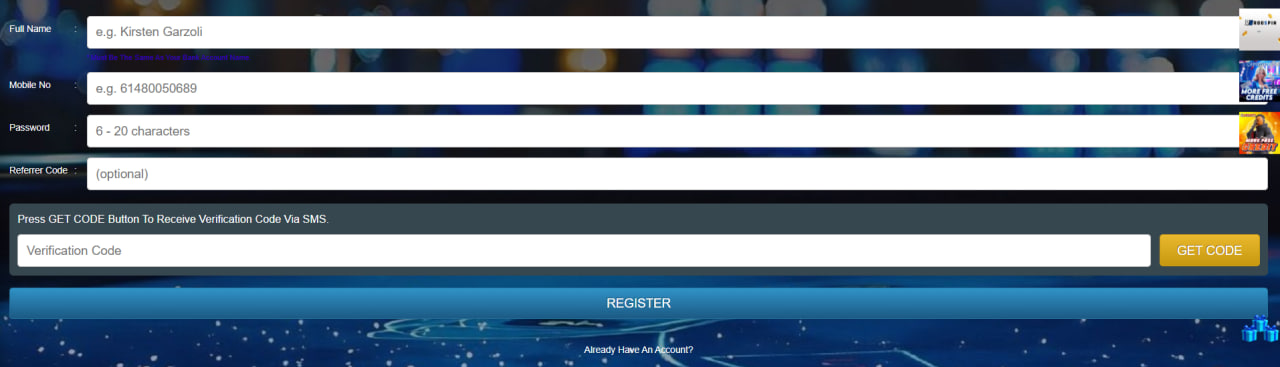
The signup form sits in the top right corner of the homepage. Tapping Sign Up opens a single-screen flow that's been kept deliberately short:
- Open the form — click the Sign Up button at the top right of any page on desktop or mobile
- Enter personal details — full name, date of birth (must show 18+), email, secure password and Australian phone number
- Choose AUD as account currency — locking in Australian dollars from day one avoids any FX surprises later
- Confirm the email address — a verification link arrives within seconds; if it's missing, the spam folder is the first place to check
- Apply bonus code WELCOME73 (optional) — the code can be entered now or on the cashier screen at first deposit, either works
KYC and Identity Verification
Every casino in the world performs KYC checks on Aussie players. Roospin runs a staged process triggered by deposit and withdrawal thresholds, with full verification recommended before the first cashout to keep things moving quickly.
Documents Roospin Asks For
- Identity — passport, driver's licence or Medicare card (front and back where relevant)
- Address — utility bill, bank statement or council letter under three months old
- Selfie — a clear photo holding the ID document next to the face
How Long Verification Takes
| Stage | Trigger | Typical Duration |
|---|---|---|
| Basic check | Email + phone confirmation | Instant |
| ID verification | Before first withdrawal | 24–48 hours |
| Source-of-funds review | Deposits above A$2,000 | 3–7 days |
Smart move: upload the documents within twenty-four hours of signing up. Doing it early prevents the single most common complaint Aussies make — withdrawals sitting in "processing" while verification catches up.
Logging In on Any Device
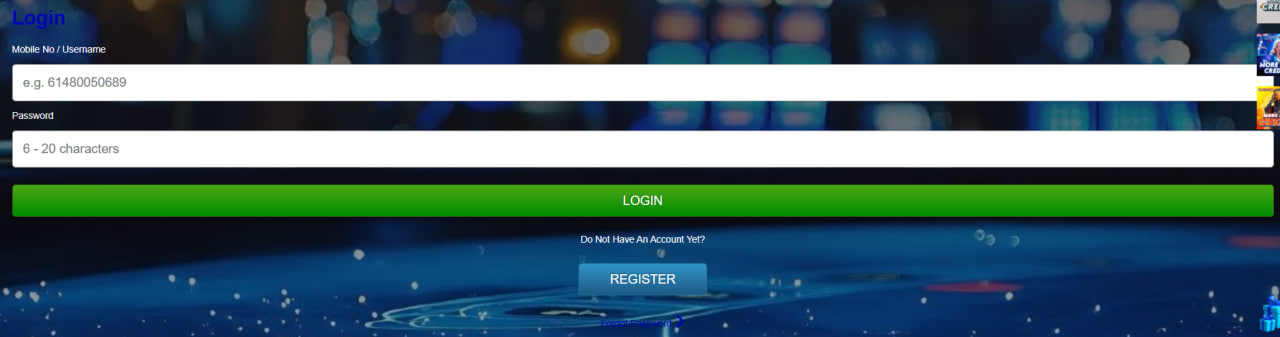
Once an account exists, returning players just need the email and password. The login box looks slightly different on desktop and mobile, but credentials and security rules are identical:
Desktop Sign-In
The login form lives in the top right corner of the homepage. Email and password go in, the Remember Me checkbox stores the session on trusted devices, and the cashier loads instantly once accepted.
Mobile Sign-In
On a phone or tablet, a finger-friendly login icon sits in the main menu. Tapping it opens the same form with larger touch targets, and biometric login (FaceID or fingerprint) becomes available once enabled in account settings.
Staying Logged In Safely
Sessions time out automatically after about fifteen minutes of inactivity. Avoid Remember Me on shared computers and use a password manager to dodge typos.
Login Troubleshooting
Most sign-in problems boil down to four predictable causes. The quick reference below covers the fixes Aussie players use most often when something refuses to work first time:
| Problem | Likely Cause | Fix |
|---|---|---|
| "Invalid credentials" | Caps lock or typo | Paste from a password manager |
| "Account locked" | 5 failed login attempts | Wait 30 minutes or contact support |
| Page won't load | ISP or geo-block | Check the latest mirror link in the welcome email |
| 2FA code rejected | Phone clock drift | Sync the device time and retry |
Account Security and 2FA
Two-factor authentication is the single most effective protection for any casino balance, and Roospin makes it available to every account at no cost. Activation takes three taps inside the security panel: scan the QR code with Google Authenticator, Authy or any TOTP app, type in the six-digit code, then save the backup recovery codes somewhere offline.
Anyone planning larger deposits or longer play should enable 2FA on day one. Combine it with a unique password and a quick stop at the bonus page to apply WELCOME73 once verification clears. Mobile players carry the same secure session over via the PWA install steps.

Ambrose Whitlock
Ambrose Whitlock reports on offshore-licensed online casinos serving Australian players at roospinncasino.com, focused on Roospin Casino which operates under dual PAGCOR (Philippines) and Curaçao (Gaming Curaçao) offshore licences while explicitly geo-blocking AU residents per ACMA Interactive Gambling Act 2001 enforcement. Writes about 2,600+ catalogues from 56 studios including Pragmatic Play, BGaming, NetEnt, Microgaming, JILI, BOONGO, SMARTSOFT, Wazdan and Playson featuring Sweet Bonanza, Gates of Olympus, Book of Dead, Mega Moolah and Plinko XY across Classic/Megaways/Jackpot/Crash categories, 58 Evolution live tables with Speed Baccarat 27-second rounds and European Roulette racetrack.